
Choosing between Google VEO 3.1 and VEO 3.1 Fast comes down to your priorities: quality or speed.
- VEO 3.1: Best for polished, high-quality videos like presentations or client-facing content. It offers cinematic-grade visuals but takes longer to process and costs more.
- VEO 3.1 Fast: Ideal for quick-turnaround tasks like social media, drafts, or high-volume projects. It sacrifices some visual detail for efficiency and is significantly cheaper.
Quick Comparison
| Feature | Google VEO 3.1 | Google VEO 3.1 Fast |
|---|---|---|
| Processing Speed | Slower, detailed | Faster, optimized |
| Output Quality | Cinematic-grade visuals | High-quality, efficient |
| Best For | Final deliverables | Drafts, quick tasks |
| Cost (API) | $0.40/sec | $0.15/sec |
Tip: Use VEO 3.1 for final versions and VEO 3.1 Fast for drafts or frequent updates to save time and money.
Veo 3.1 Is More Powerful Than You Realize!
Main Differences Between Google VEO 3.1 and VEO 3.1 Fast
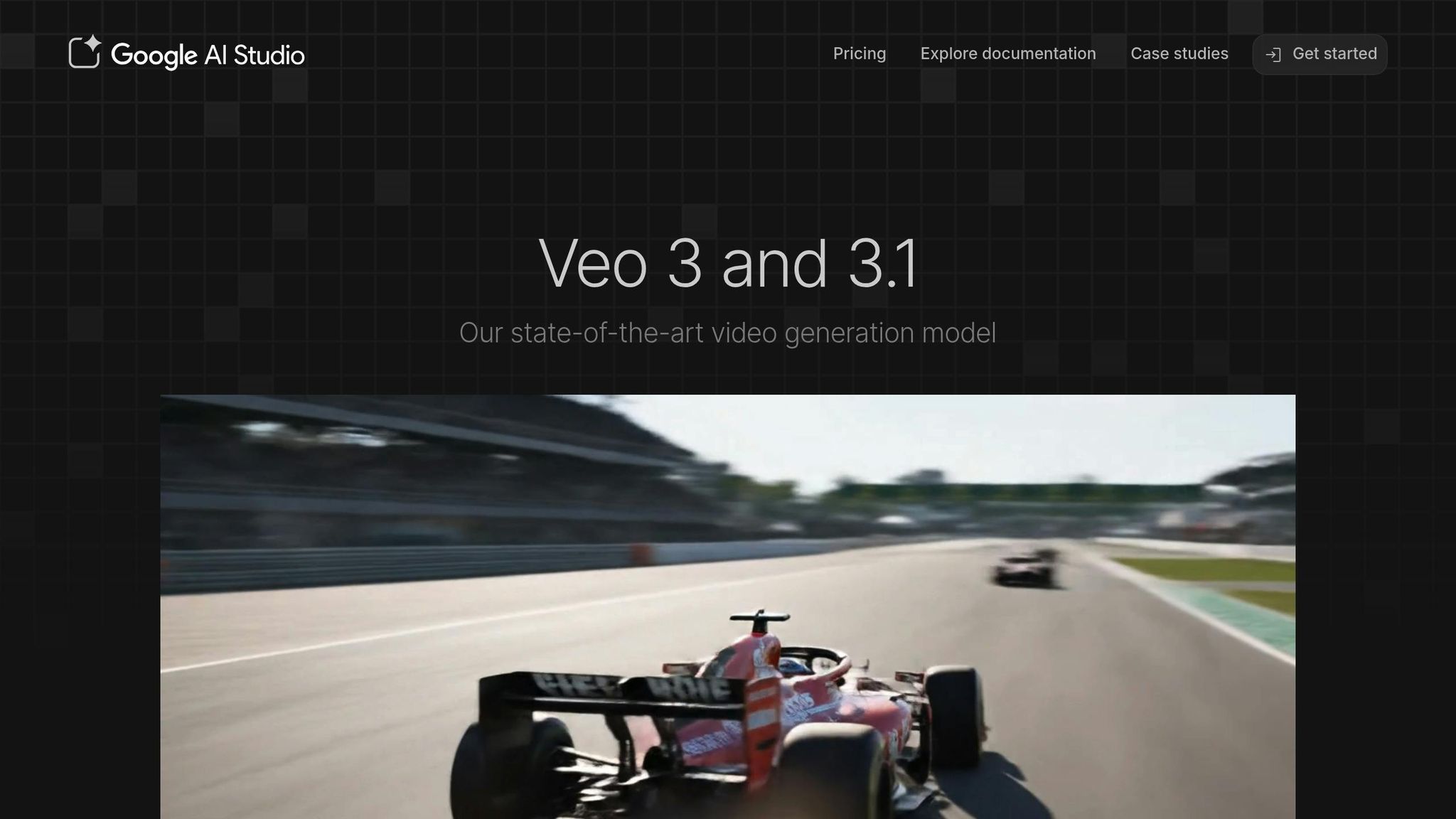
Understanding the differences between these two models is key to choosing the right one for your needs. Both belong to the VEO family, but each serves a distinct purpose: one prioritizes visual precision and detail, while the other focuses on speed and efficiency.
Side-by-Side Specification Comparison
Here’s a quick look at how the two models stack up:
| Feature | Google VEO 3.1 | Google VEO 3.1 Fast |
|---|---|---|
| Processing Speed | Standard rendering speed with longer processing times | Faster processing for quicker results |
| Output Quality | Cinematic-grade output with refined detail | High-quality output optimized for speed |
| Resolution Support | Up to 4K with enhanced detail | Up to 4K with a focus on efficiency |
| Frame Rate Options | Multiple options for smooth motion | Similar options with accelerated performance |
| Visual Fidelity | Superior textures, lighting, and shadows | High fidelity with slight trade-offs for speed |
| Best For | Final deliverables and polished presentations | Drafts, iterations, and high-volume tasks |
| Rendering Time | Longer due to detailed processing | Shorter for faster turnarounds |
Essentially, VEO 3.1 focuses on meticulous detail, while VEO 3.1 Fast is built for speed, making it ideal for tight deadlines.
Quality vs. Speed: What Each Model Prioritizes
The choice between these models often comes down to what matters most: visual quality or processing speed.
Google VEO 3.1 is all about precision. It excels in areas like lighting, smooth camera movements, and accurate color grading, making it perfect for client-facing projects where every detail counts. Whether it’s a high-stakes presentation or a final deliverable, this model ensures top-notch visuals.
On the other hand, Google VEO 3.1 Fast is designed for efficiency. Its streamlined rendering process is ideal for iterative workflows, such as testing creative ideas or generating quick drafts. While it sacrifices a bit of visual refinement, it still delivers quality results that are more than adequate for everyday use. This approach allows you to move quickly through early stages of a project, leaving the final polish to VEO 3.1.
For smaller screens, the quality difference may not be as noticeable. However, on high-resolution displays, VEO 3.1’s enhanced rendering truly shines. Additionally, VEO 3.1 ensures smoother motion in dynamic scenes, while VEO 3.1 Fast might show minor artifacts during fast sequences.
Performance Analysis: What Each Model Does Best
Understanding the strengths of each model can help you choose the right one for your project. Here’s a breakdown of what each model excels at and where they may fall short.
What Google VEO 3.1 Does Best
Google VEO 3.1 is tailored for projects where visual quality is a top priority. It shines in situations where your brand’s image needs to make a lasting impression – think client presentations, product launches, or promotional materials displayed on large screens or high-resolution devices. Its standout feature is its ability to deliver exceptional color accuracy across frames, ensuring your visuals remain consistent and aligned with your brand’s aesthetic. This makes it an excellent choice for corporate videos, pitches to investors, or any content where visual appeal plays a crucial role in maintaining your professional credibility.
What Google VEO 3.1 Fast Does Best
When speed matters most, Google VEO 3.1 Fast is the go-to option. It’s designed to handle quick turnarounds, making it perfect for testing ideas, iterating drafts, and producing social media content where time is often more critical than fine-tuned visuals. Marketing teams will appreciate its efficiency for tasks like creating multiple variations for A/B testing or quickly generating mockups for stakeholder reviews. It’s also a reliable tool for high-volume projects such as weekly tutorial series or daily social media updates, keeping your production schedule on track without delays.
Limitations That Apply to Both Models
Both models have a few shared limitations to keep in mind. For longer projects, clip length restrictions may require splitting the content into segments, which can make maintaining seamless continuity across clips a challenge. Additionally, fine-tuning elements like text overlays or precise timing might need extra attention during post-production. Another key factor is the importance of providing clear and detailed prompts – vague instructions can result in inconsistent outputs, often requiring multiple rendering attempts to get it right.
sbb-itb-0df1f49
Which Model to Use for Your Project
Deciding which model to use depends on your project’s timeline, budget, and the level of quality you need. Here’s a breakdown to help you make the right choice.
When to Use Google VEO 3.1
Go with VEO 3.1 when precision and visual consistency are non-negotiable. This model is perfect for high-end projects like premium advertisements, explainer videos, or any form of visual storytelling that demands exceptional clarity and detail.
For feature films or short films, VEO 3.1 shines during final rendering. It ensures visual coherence across extended sequences, making it the go-to option for projects where a polished and professional finish is critical.
When to Use Google VEO 3.1 Fast
VEO 3.1 Fast is your solution for quick turnarounds and high-volume tasks. It’s ideal for creating content for platforms like TikTok, Instagram Reels, and YouTube Shorts, where speed and efficiency are key.
Marketing teams running A/B testing campaigns will love how this model simplifies the process of generating multiple video variations. It’s also great for pre-production tasks like rapid prototyping, where you can quickly visualize storyboards and test ideas.
Educational content creators producing weekly tutorials or frequent updates for social media will find VEO 3.1 Fast indispensable. It’s perfect for short-form storytelling, concept reels, and promotional videos, especially when time is tight and creative execution matters more than pixel-perfect detail.
For dynamic marketing campaigns or interactive experiences that require near-real-time video generation, VEO 3.1 Fast is the practical choice, delivering speed without compromising too much on quality.
With these options in mind, you can now consider how each model aligns with your project’s cost requirements.
Pricing and Return on Investment
Knowing the cost structure of each model is key to balancing your budget with your production goals. The price gap between VEO 3.1 and VEO 3.1 Fast is substantial, and selecting the right one can significantly impact your expenses.
How Pricing Works for Each Model
These models are available via API or subscription. For API access, VEO 3.1 Fast costs $0.15 per second of video (or $0.10 per second without audio). In comparison, VEO 3.1 is priced at $0.40 per second, making VEO 3.1 Fast about 2.6 times less expensive per second.
For subscription users, Google offers two tiers:
- Google AI Pro: Priced at $19.99 per month, this plan includes 1,000 monthly AI credits. Using Flow, VEO 3.1 Fast consumes 20 credits per video, while VEO 3.1 requires 100 credits. This translates to about 50 Fast videos or 10 standard videos each month. With the Gemini app, you can create up to three VEO 3.1 Fast videos daily, but these are limited to 720p resolution and include a watermark.
- Google AI Ultra: At $249.99 per month, this plan provides 25,000 monthly AI credits. It allows for approximately 1,250 VEO 3.1 Fast videos or 250 VEO 3.1 videos per month through Flow. Ultra also unlocks 1080p resolution and removes watermarks. Google offers a 50% discount for the first three months, reducing the monthly cost to $124.99, making it easier to test if this plan suits your needs.
Additionally, college students can enjoy Google AI Pro free for one year, including a complimentary first month with credit card registration.
| Access Method | VEO 3.1 Fast | VEO 3.1 |
|---|---|---|
| API (per second) | $0.15 | $0.40 |
| API without audio | $0.10 | N/A |
| Google AI Pro credits | 20 credits/video | 100 credits/video |
| Google AI Ultra credits | 20 credits/video | 100 credits/video |
| Pro monthly videos (Flow) | ~50 videos | ~10 videos |
| Ultra monthly videos (Flow) | ~1,250 videos | ~250 videos |
Next, let’s look at how to get the most out of your budget based on your video production needs.
Getting the Best Value for Your Budget
Understanding these pricing options helps you choose the right plan for your production goals. For users producing one to three videos monthly, API access costs roughly $6–$18. If you’re creating 30 to 90 videos per month, the Google AI Pro plan offers better value. For heavy users generating 300 or more videos monthly, the Google AI Ultra plan is a smarter choice.
To manage costs effectively, consider an 80/20 approach: use VEO 3.1 Fast for drafts, testing, or quick edits, and save VEO 3.1 for final versions. This strategy can cut expenses by over 60%.
Think about your workflow. Marketing teams running A/B tests can benefit from quickly producing multiple versions with VEO 3.1 Fast before committing to a polished final product with VEO 3.1. Similarly, educators might rely heavily on VEO 3.1 Fast for frequent content, reserving VEO 3.1 for standout projects.
For videos that need a professional finish without watermarks, the AI Ultra plan is worth the higher cost. However, for internal reviews, social media experiments, or personal use, the watermark on AI Pro videos might be perfectly fine.
If you’re watching your budget, starting with the AI Pro plan makes sense. This allows you to assess your actual usage before deciding if a higher-tier plan like Ultra is necessary. Many users find that VEO 3.1 Fast meets up to 90% of their needs, making it a cost-effective solution.
Conclusion
VEO 3.1 is ideal for producing polished, client-ready projects, while VEO 3.1 Fast focuses on delivering quick results for high-volume tasks. By understanding the strengths of each, you can strike the right balance between quality and efficiency.
Try incorporating both models into your workflow to see which one aligns best with your specific needs.
FAQs
How can I decide between Google VEO 3.1 and VEO 3.1 Fast for my project?
When deciding between Google VEO 3.1 and VEO 3.1 Fast, it all comes down to your project’s priorities:
- VEO 3.1 is the go-to choice if you need top-notch quality. It delivers audio that sounds more natural, sticks closely to prompts, and maintains consistent character performance. This makes it perfect for projects where precision and polish are key.
- VEO 3.1 Fast, on the other hand, is built for speed and affordability. It’s ideal for projects with tight deadlines or limited budgets, thanks to its faster processing capabilities.
Think about what matters most to your project – accuracy or speed – and pick the option that aligns with your goals.
What are the cost differences between Google VEO 3.1 and VEO 3.1 Fast, and how can I make the most of my video production budget?
The key distinction between Google VEO 3.1 and VEO 3.1 Fast comes down to speed and cost. VEO 3.1 Fast is tailored for faster results and offers a more affordable pricing model, charging $0.40 per second with audio.
If you’re working on projects that demand quick turnarounds or have tight budgets, VEO 3.1 Fast is a smart choice. On the other hand, for more intricate productions that require advanced capabilities, VEO 3.1 may be the better option. Matching the model to your project’s specific requirements ensures you strike the right balance between performance and cost.
When is it better to use Google VEO 3.1 Fast instead of the standard VEO 3.1 model?
Google VEO 3.1 Fast is perfect when speed is the name of the game. It cuts rendering time dramatically compared to the standard model, making it an excellent choice for projects with tight deadlines or when a quick turnaround is non-negotiable.
On top of that, VEO 3.1 Fast is often easier on the wallet, making it a smart pick for professionals who need reliable performance without stretching their budget. It’s especially handy for tasks like rapid video previews or managing high-volume production workflows where saving both time and money matters most.